MyJABLOTRON
|
23. 10. 2026
Add users and set their rights. You can do it all easily in the app
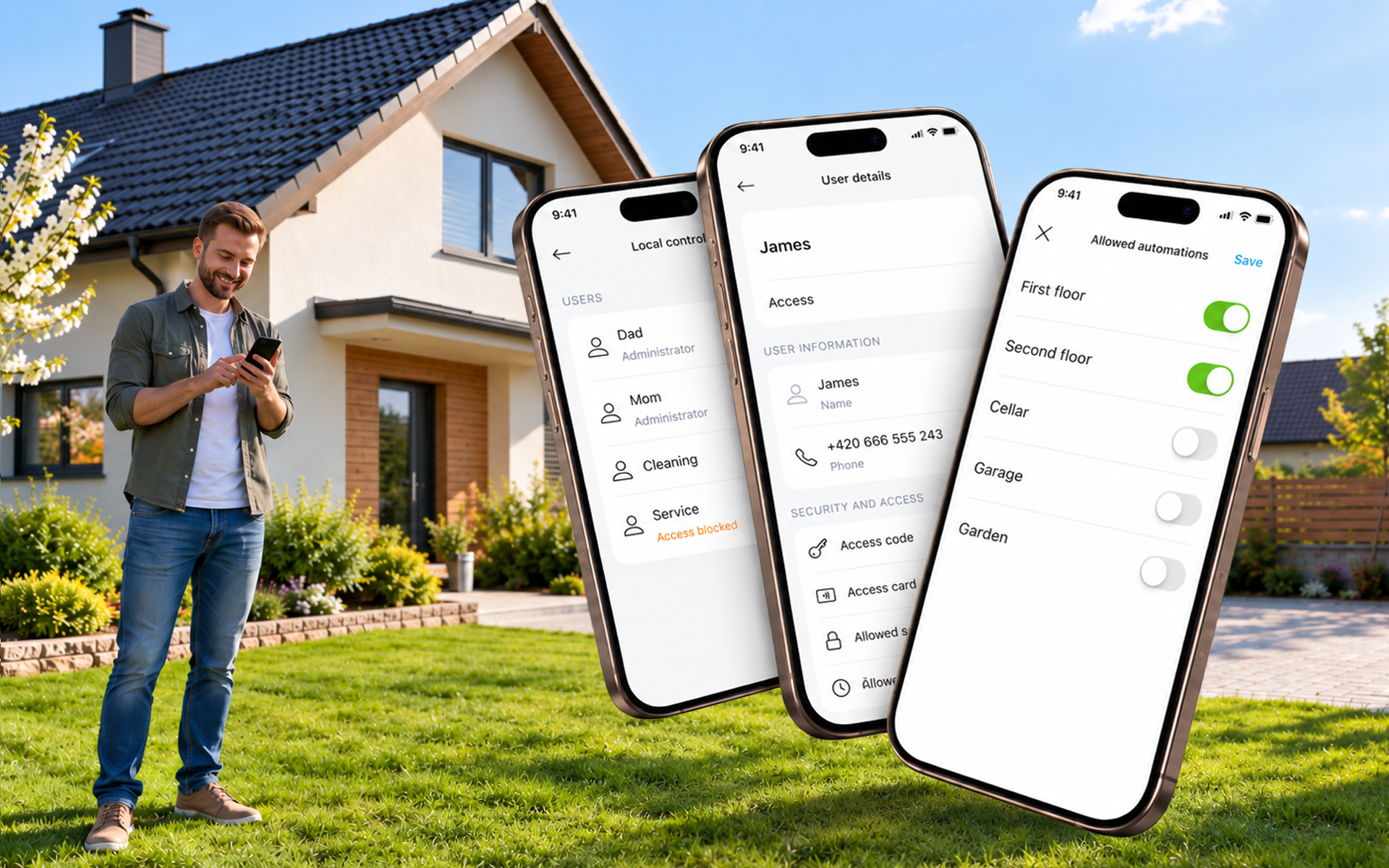
We have added new features to user management. Now you can not only edit users but also add new ones. And you can easily decide which sections and PG outputs they may control. Users you no longer need can be removed.
Since version 1.22.0 you have been able to change a user’s name, user code and phone number in the control unit. Adding a new user or deleting an old one was not possible in the app, though. That is now changing.
For each user you can now set which sections and PG outputs they can access. So a temporary worker can disarm the workshop but not the house, and the neighbour who looks after your dog can only open the garden gate.
How to do it
- In the property detail, open the context menu (…).
- Select Users and access and then Local control.
- Authorise yourself with the Master code.
- Tap the Add user button. The new user is created with a default name, which you can change straight away.
- Set the name and user code and, under Allowed sections and Allowed automations, choose what the user may control.
To delete a user, tap Delete in the user’s details.
Good to know
- Deletion is permanent and cannot be undone.
- A new user gets standard user authorisation. Other types of authorisation can only be set by the installer.
- The manager in the first position always has access to everything.
- Adding and deleting users is currently only available for JABLOTRON 100+ and MERCURY control units with a JABLOTRON SIM.
- We are working on support for JA-101K and JA-106K control units.
Available from version 1.24.0.