MyJABLOTRON
|
13. 10. 2026
Easier user management. Edit key details directly in the app
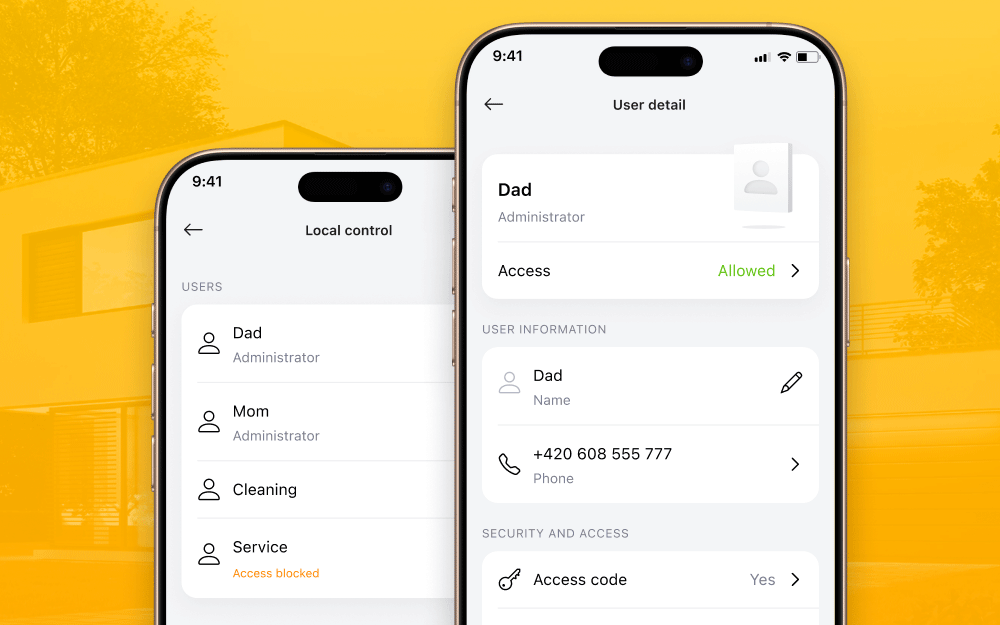
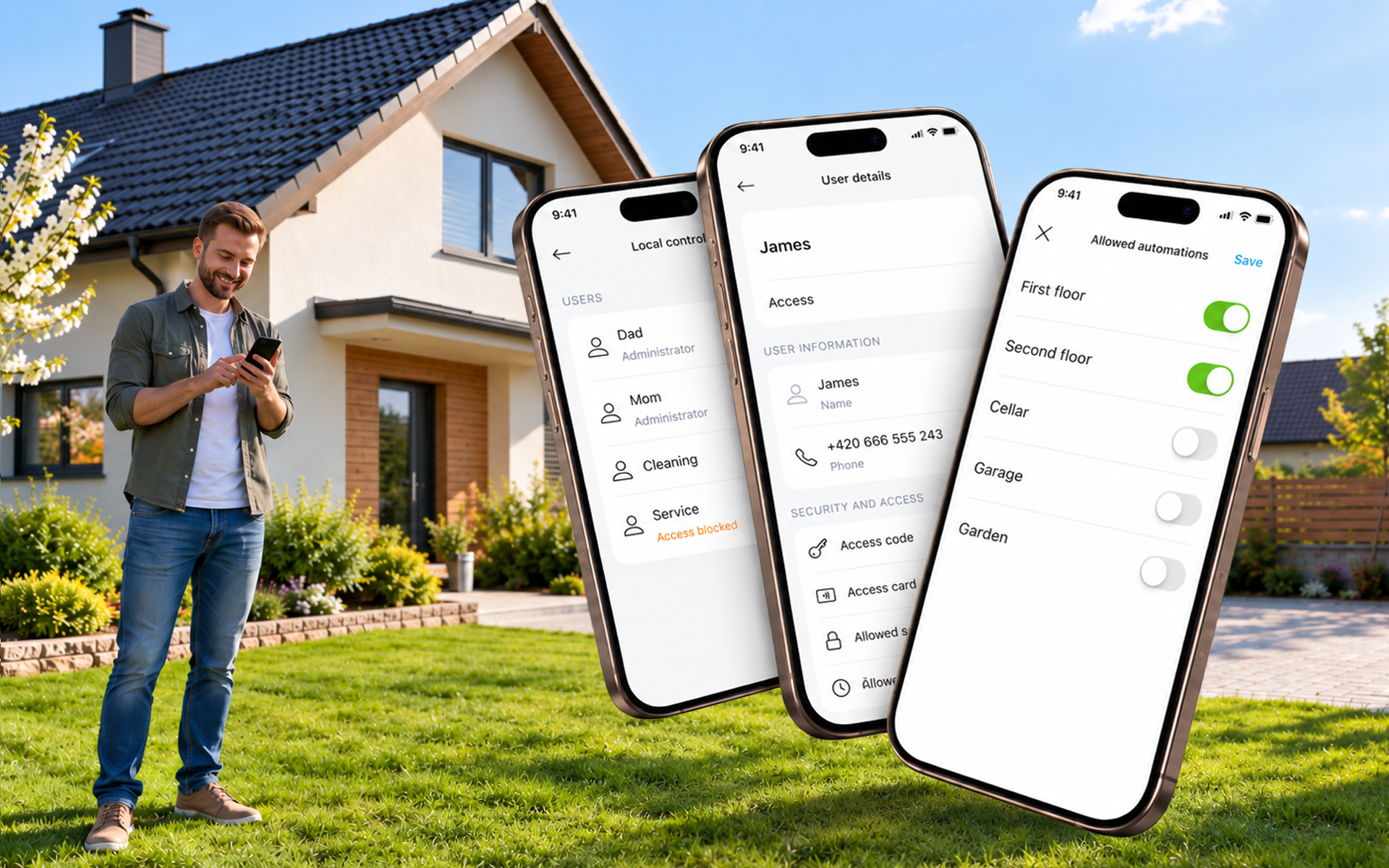
We are introducing basic user management directly in the MyJABLOTRON 2 app. You can rename users, assign them a new access code or change their phone number.
In the menu, you will find a new item, Users and access, which brings together the sharing settings and the configuration of users in the control unit.
How to do it
- In the system detail, open the context menu (…).
- Select Users and access and then Local control.
- Authorise with the Master code.
- Select a user and edit their name, access code or phone number.
- Save the changes.
What can you typically use user management for?
- A child gets their own access code instead of a shared family one.
- Someone’s phone number changes and you replace it directly in the app.
- When a temporary worker leaves, you overwrite both the name and the access code in their user slot.
Good to know
- You can edit users who have already been created in the control unit. You cannot add a new user this way.
- User management is available for JA-100+ and MERCURY control units, in both cases with Jablotron SIM. The phone number can only be edited on JA-100+ control units.
- We are working on support for JA-101 and JA-106 control units.
- When you leave user management, the app automatically logs you out of the control unit.
Available from version 1.22.0.