MyJABLOTRON
|
8. 7. 2026
Your alarm always at hand? With Apple Watch, it’s now a reality
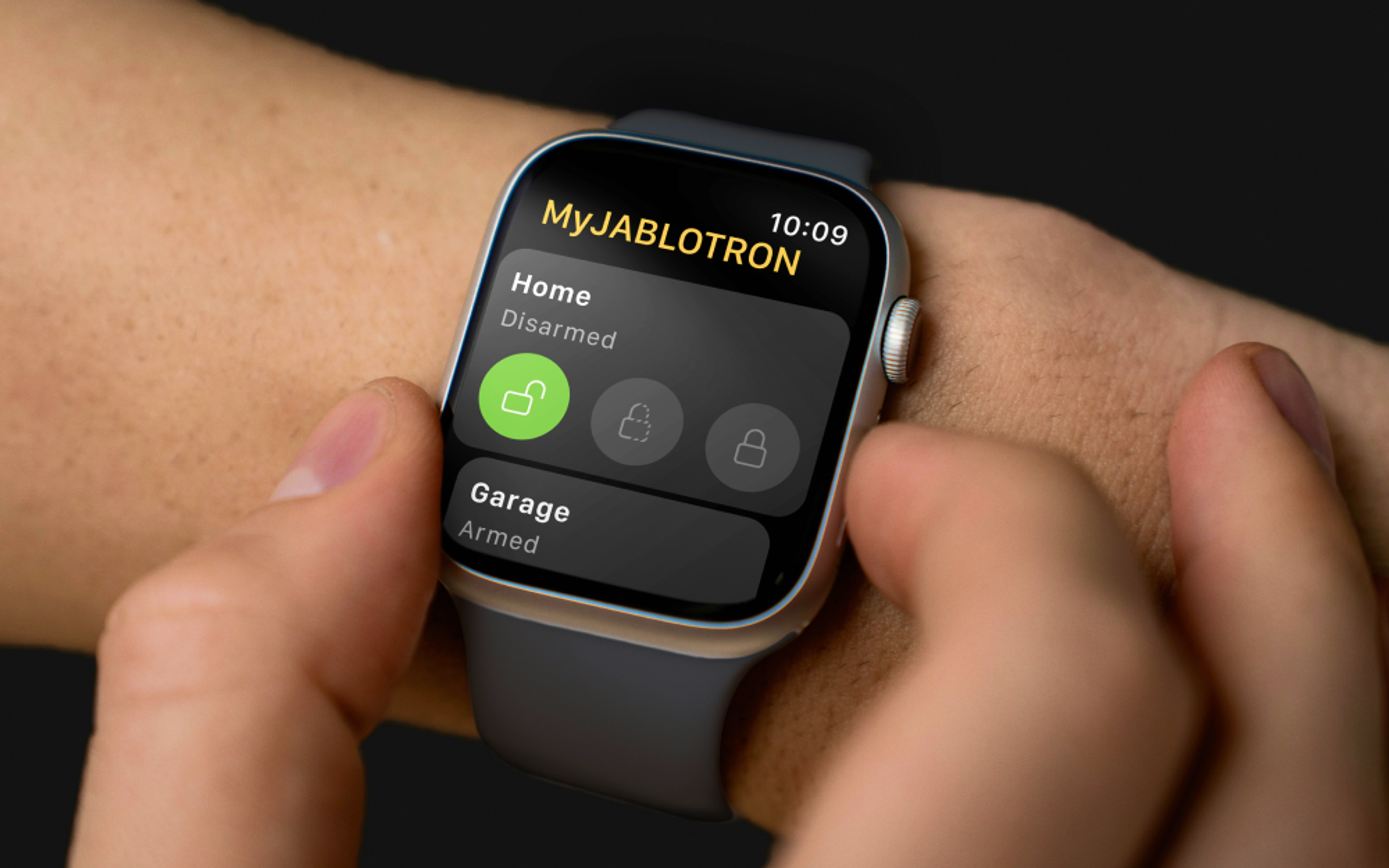
Opening the gate, checking the temperature at your holiday cottage, setting the alarm as you leave. With Apple Watch, you no longer even need to take your phone out of your pocket. The MyJABLOTRON 2 app now supports Apple Watch.
On the watch, you can build your own set of the widgets you use most often. You can control the alarm, run an automation (for example, opening the gate or garage), and check the current reading from your thermometers. You can add several widgets and switch between them on the watch display.
How to set it up

- If your Apple Watch is not paired with your phone yet, pair it first.
- In the MyJABLOTRON 2 app, open the main menu and select Special features – Apple Watch Settings.
- Select Enable data access.
- Continue to Widget settings.
- Select Add widget and choose your device.
- Choose the widget type, select the specific item and tap Add widget.
- If prompted, enter the code you normally use to operate the system.
- The widget appears in the app on your Apple Watch straight away.
You can reorder the widgets in the app at any time to match how you use them, or remove them from the watch again.
What can you use the widgets for?
- Set the alarm as you leave, without taking your phone out of your pocket.
- Open the driveway gate or the garage with a tap on your wrist.
- Quickly check the temperature, for example before you set off to your cottage – without even opening the app.
Good to know
- Apple Watch support is available for the MERCURY, JA-103K, JA-107K and JA-108K control panels, and only with a Jablotron SIM.
- Your Apple Watch must be paired with your iPhone.
Available from version 1.20.0.