MyJABLOTRON
|
6. 7. 2026
Rename a section or output. Block devices. Do it all straight from the app
In the MyJABLOTRON 2 app, you can now easily rename sections, PG outputs and peripherals to suit you. And when you need to, you can temporarily block selected detectors.
The names of sections, peripherals and PG outputs are usually set by the installer right after installation, and over time the original name may no longer fit. Now you can change the name directly in the app. What is more, the changes are written all the way through to the control panel, so the new name also appears on the keypad with a display.
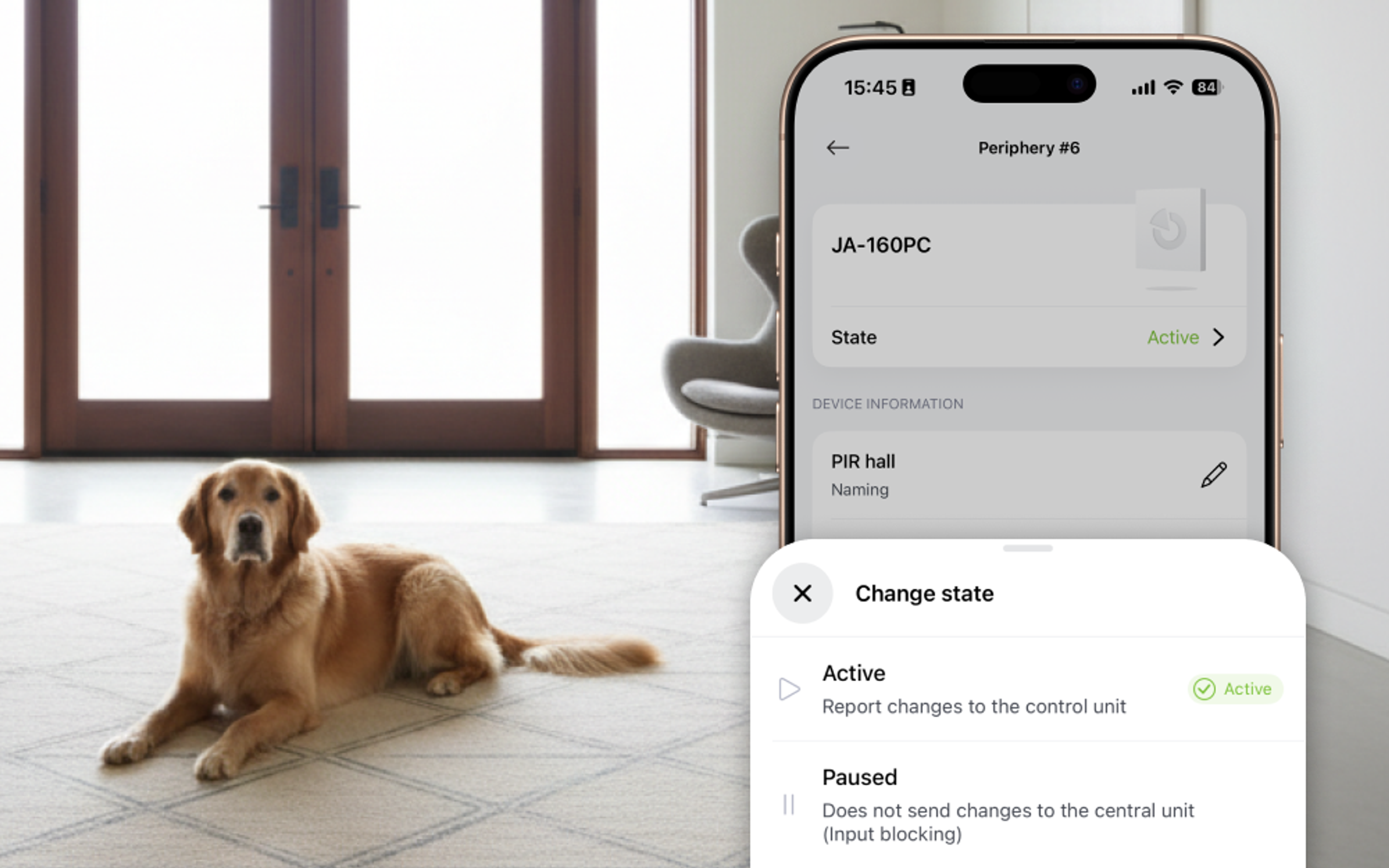
Blocking a detector is useful when, for example, a particular detector keeps reporting false activations and you are waiting for a service technician. Or when a neighbour asks you to look after their dog and, once the property is armed, the motion detector would trigger an alarm because of the dog’s movement. The rest of the system stays on guard.
How to rename a section, PG output or device
- In the property detail, open the context menu (…).
- Select Control unit and peripherals.
- Authorise yourself with the administrator code.
- Select the item you want to rename and save the new name.
How to block a detector?
- In the Control unit and peripherals section, open the detail of the selected device.
- Next to State, tap Change state.
- Select Paused (Input blocking).
The detector stays blocked until you change the status back to Active.
Good to know
- The Control panel and devices menu is available only to the installation owner.
- Both renaming and blocking require authorisation with the administrator code.
- Blocking can be used only on peripherals with a detection input.
Available from version 1.20.0 (iOS and Android) for the MERCURY, JA-103K, JA-107K and JA-108K control panel series, and only with a Jablotron SIM.